Smithy has been busy. Here's what's new since you last visited.
 Add to Slack
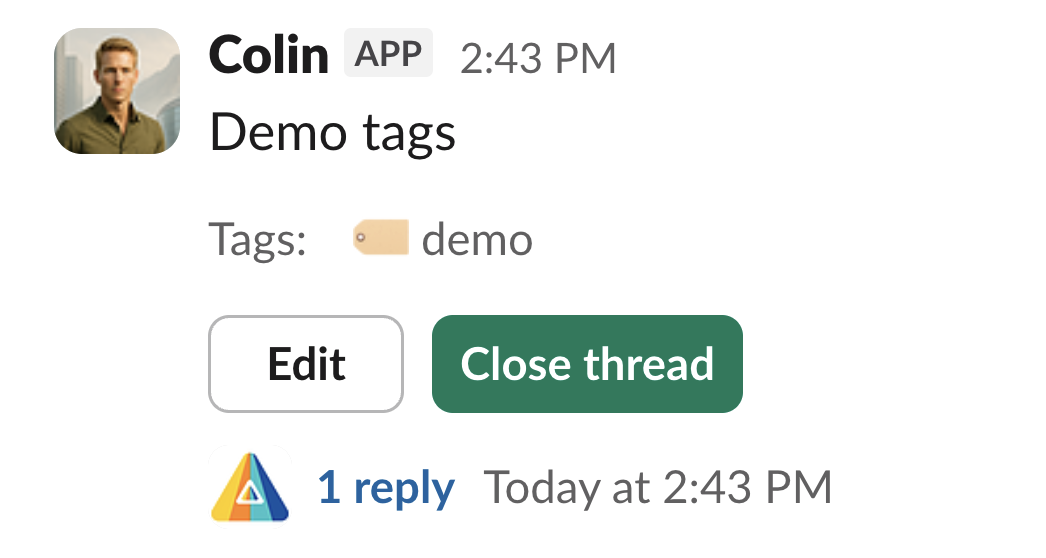
Categorize and organize threads with team-scoped tags. Apply tags when creating a thread or add them later. Tags appear directly on the thread so your team can see at a glance what each discussion is about.
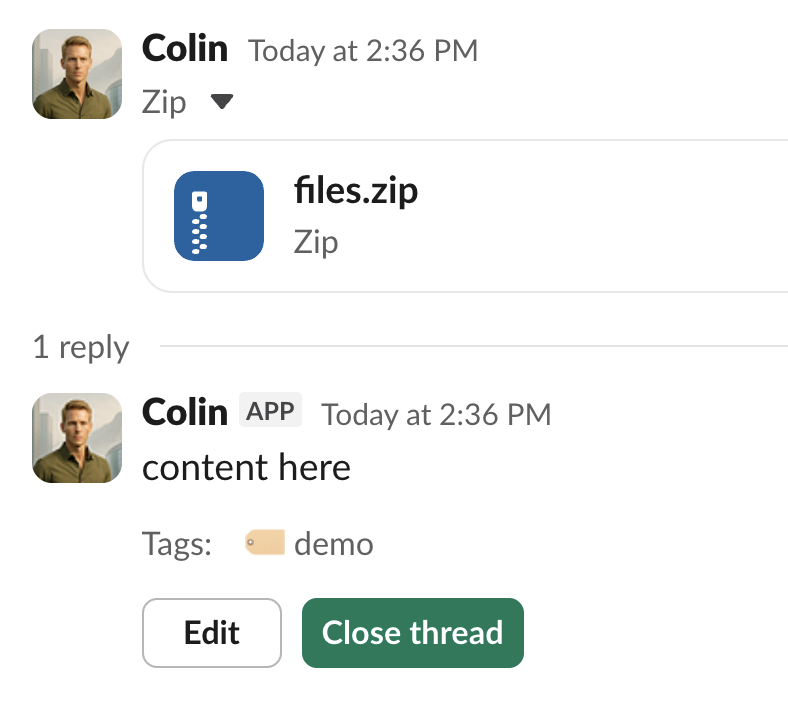
Share files without breaking the flow. When you post a message with an attachment, Smithy preserves your original message and creates a managed thread around it — keeping your files accessible and discussions organized.
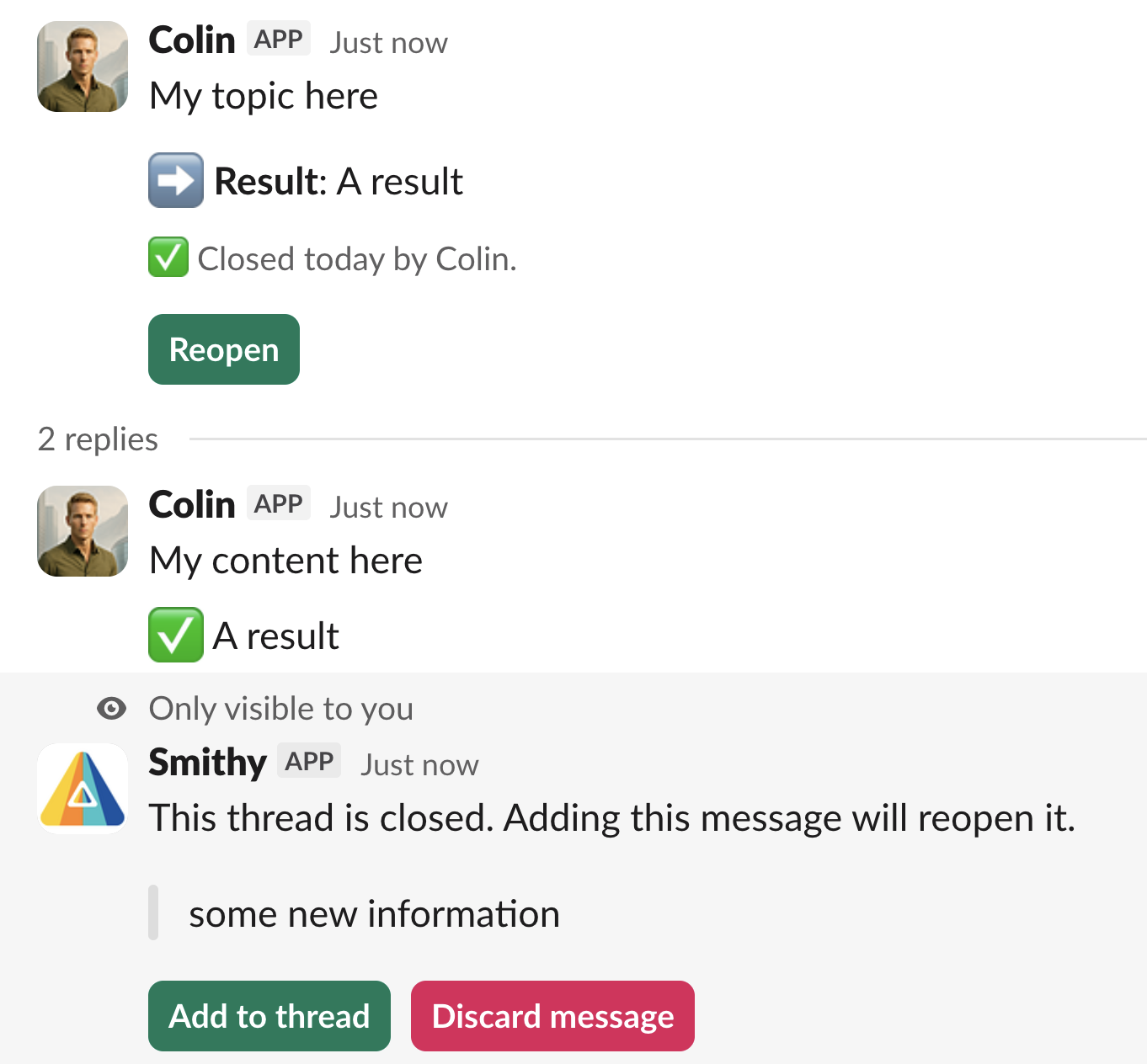
Closed a thread too early? Now you can reopen it. Reopened threads return to their active state so the conversation can continue. Note that users who have granted Smithy cleanup permissions cannot add a comment to a closed thread without reopening it first.
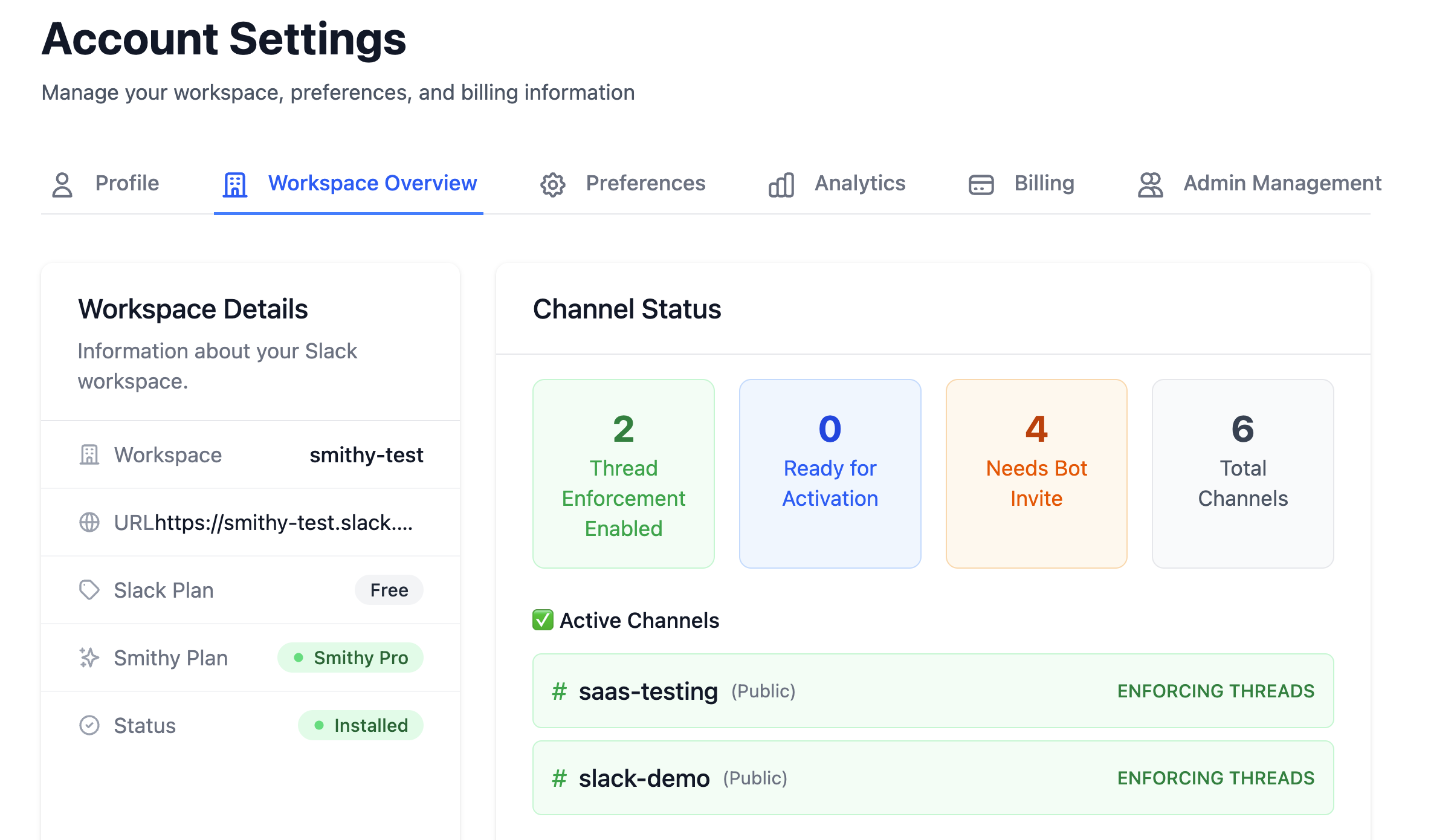
Manage all your Slack workspaces from one place. Switch between workspaces, configure settings independently, and keep everything under a single account.
Watch how threads are created instantly when the creation window is suppressed — no extra clicks, no interruptions.
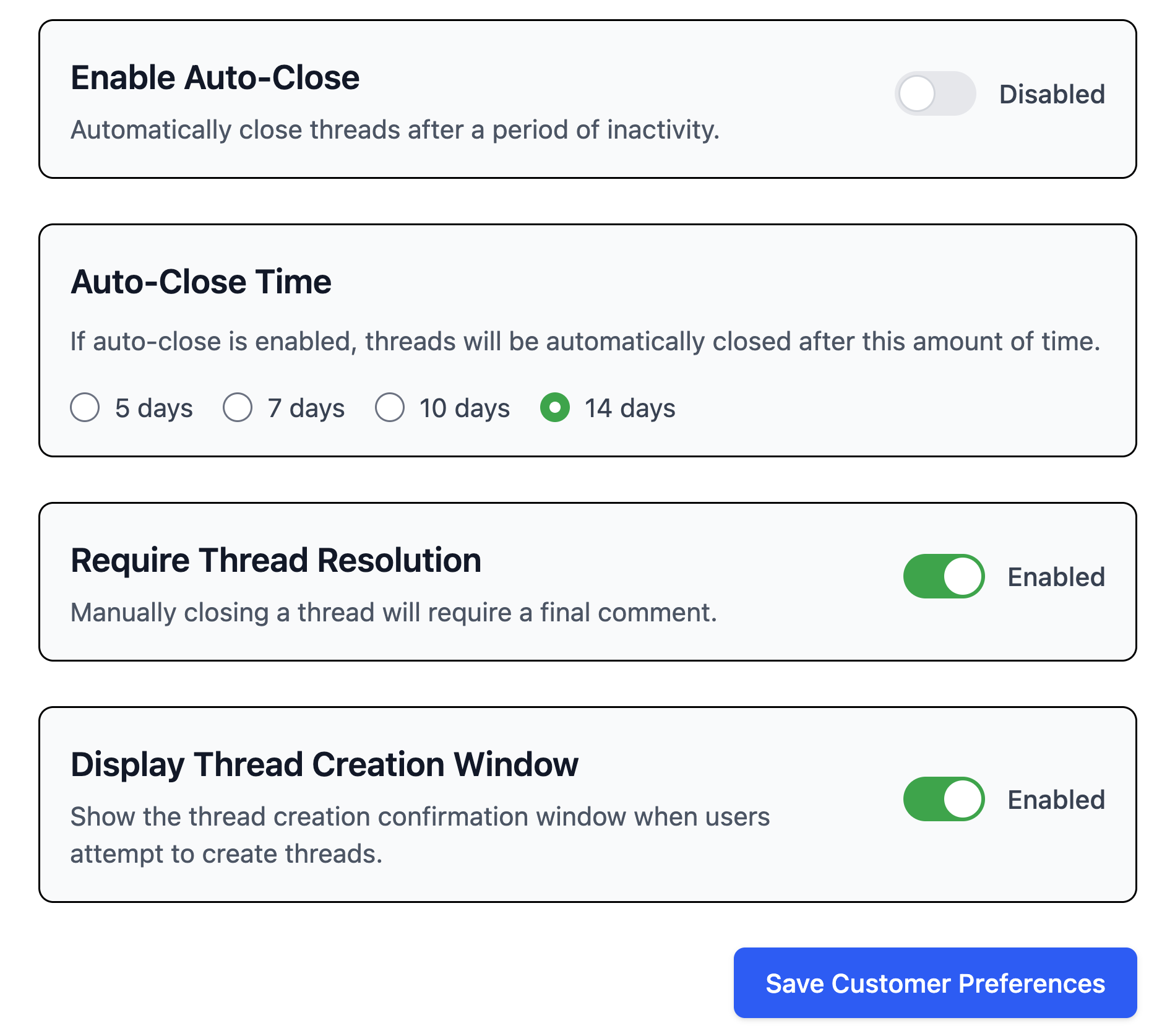
Now you have more control over Smithy's behavior in your workspaces. Configure default behavior across all of your workspaces and per-workspace overrides all from a single dashboard.
See how your team uses threads at a glance. Track thread statistics, most-used tags, and channel activity to understand how discussions flow across your workspace.